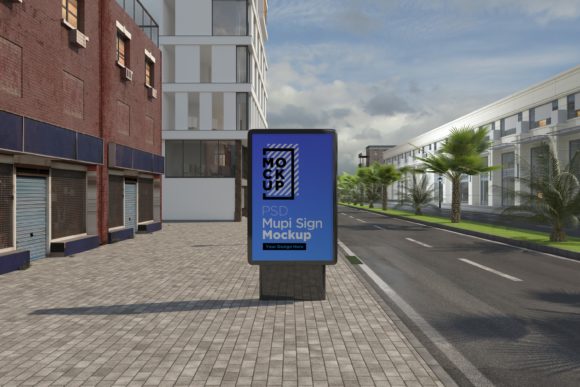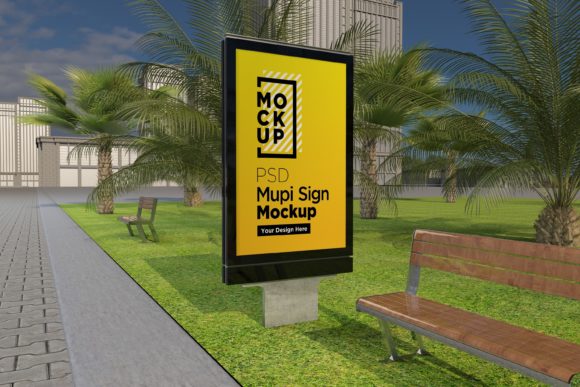
Mupi Advertising Sign Mockup Template
You have a campaign concept that works beautifully on a screen. You can see the colors, the typography, the message. But when you pitch it to a client or share it on your portfolio, a flat PNG on a white background rarely does the work justice. That is where a well-crafted presentation environment changes everything. A Mupi Advertising Sign Mockup Template gives your design the physical context it deserves—turning a simple digital file into a believable, real-world advertising installation. Whether you are a freelance designer pitching a billboard concept or a marketing manager presenting a roadside campaign to stakeholders, this template helps bridge the gap between idea and reality.
What Makes a Mupi Advertising Sign Mockup Template Different
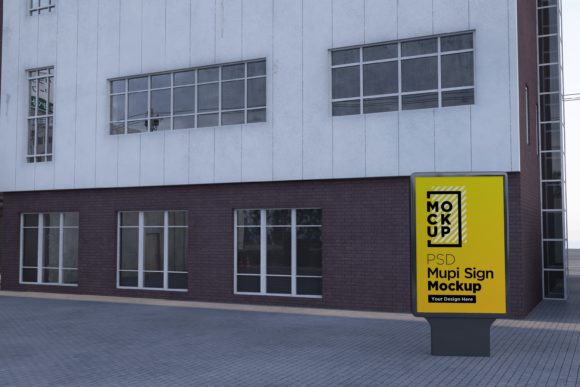
Mupi advertising refers to large-format street furniture displays—those backlit or non-illuminated signs you see at bus stops, train stations, and pedestrian walkways. They are distinct from standard billboards because they are integrated into urban infrastructure. A Mupi Advertising Sign Mockup Template is a layered PSD or editable file that allows you to place your artwork onto a photorealistic representation of one of these structures. The result is a presentation that looks like a photograph of the installed sign, not just a screenshot of your design.
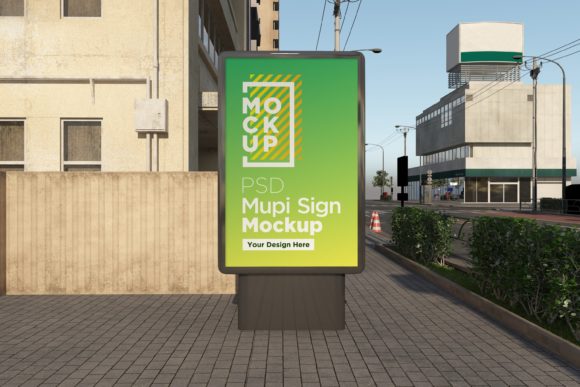
What sets these templates apart from generic sign mockups is the attention to scale and environment. Mupi signs have a specific aspect ratio, mounting height, and surrounding context. A high-quality template will include realistic lighting, subtle reflections, and environmental elements like pavement, trees, or nearby buildings. This makes your design feel grounded in a real location, which is critical when you are trying to sell a concept that needs to work outside a digital screen.
Key Characteristics to Look For
Not all mupi mockups are created equal. The best ones share a few common traits that make them genuinely useful for professional work. First, smart object layers are non-negotiable. You want drag-and-drop functionality where your artwork automatically adapts to the sign’s perspective and lighting. Second, look for high-resolution output—at least 300 dpi—so your final images hold up in printed presentations or high-resolution digital portfolios. Third, check for realistic shadows and highlights. A flat mockup defeats the purpose. You want the template to handle ambient occlusion, subtle glares, and depth so your design integrates seamlessly.
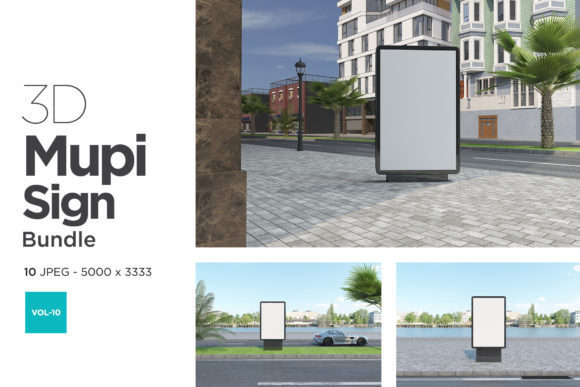
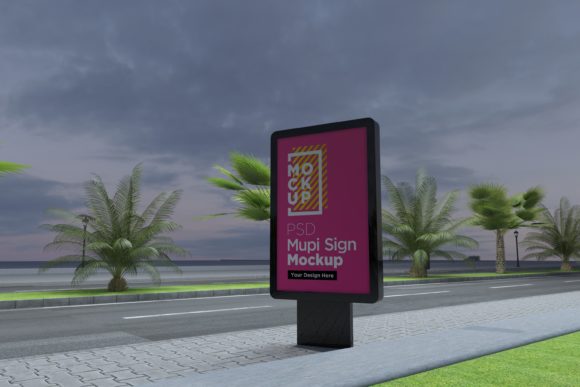
Another quality worth noting is modularity. Some templates offer multiple scenes: a close-up angle, a contextual street view, or even a night version with backlighting effects. This variety allows you to present the same design in different settings, which is especially helpful when your audience includes both creative directors and procurement teams. A versatile template saves time and gives you flexibility without needing to commission custom photography.
Practical Applications Across Different Environments
The beauty of a Mupi Advertising Sign Mockup Template lies in how broadly it can be applied. It is not just for ad agencies. I have seen educators use it to teach students about environmental design, bloggers use it to visualize hypothetical campaigns, and even small business owners use it to prototype local advertising before committing to a media buy. Let me walk through a few scenarios where this template adds genuine value.
For Creative Professionals and Agencies
If you are a graphic designer, art director, or brand strategist, you know that client presentations hinge on believability. A flat design file can be abstract. A mockup that places your work on a street-level sign instantly communicates scale, visibility, and context. You can show how the typography reads from a distance, how the color palette interacts with natural light, and how the message fits into a pedestrian’s line of sight. This is especially useful for out-of-home (OOH) advertising campaigns where the physical environment is part of the medium. When you present three different creative directions side by side on matching mockups, your client can compare them on equal footing without guessing how they might look in the real world.
Agencies also benefit from using these templates during internal reviews. Instead of reviewing designs in isolation, teams can evaluate how a concept performs in context. Does the headline pop against a busy street background? Is the call-to-action legible from a distance? These questions become easier to answer when your design is placed in a realistic setting.
For Entrepreneurs and Small Business Owners
Small business owners often need to test advertising concepts before investing in media space. Buying a billboard or a bus shelter sign is expensive. A Mupi Advertising Sign Mockup Template lets you prototype your concept at minimal cost. You can mock up different versions of an ad, show them to a focus group, or even share them on social media to gauge interest. This is a practical way to validate messaging and design choices before you spend money on printing and placement.
I have worked with local retailers who used mupi mockups to pitch co-branded campaigns to neighboring businesses. By visualizing how two brands could share a sign, they made the conversation tangible. The mockup turned an abstract negotiation into a concrete visual proposal, which significantly improved buy-in from partners.
For Educators and Students
In design education, context is everything. Students learn best when they can see how their work translates from screen to environment. A Mupi Advertising Sign Mockup Template is an excellent tool for assignments that focus on environmental graphics, wayfinding, or public communication. Instead of critiquing a 2D layout, instructors can discuss how the same design performs in an urban setting. It also teaches students the importance of scale, legibility, and materiality—concepts that are hard to grasp when working exclusively on a monitor.
For students building portfolios, these mockups are invaluable. A strong portfolio shows not just the design, but how the design lives in the world. Including a mupi mockup shot signals to potential employers that you understand the realities of out-of-home advertising and that you care about presentation.
For Digital and Commercial Teams
Marketing teams inside larger organizations often use mockups to secure internal budget approvals. A well-presented mockup makes a campaign feel more concrete and less theoretical. It helps non-creative stakeholders—finance directors, operations managers, or C-suite executives—visualize the return on investment. A Mupi Advertising Sign Mockup Template can be just as useful in a boardroom presentation as it is in a creative review. I have seen teams prepare mockups for different locations: a busy downtown intersection, a suburban transit stop, or a stadium entrance. Each version tells a different story about audience reach and visibility.
Benefits That Go Beyond Appearance
Using a mupi mockup is not just about making things look pretty. There are tangible workflow and communication benefits that improve efficiency and outcomes. First, speed of iteration improves dramatically. Instead of commissioning a photographer or rendering a 3D scene from scratch, you can swap artwork in seconds. This means you can test multiple variations of a campaign in a single afternoon. Second, client communication becomes clearer. When both parties are looking at a realistic image, there is less room for misinterpretation. A mockup can answer questions like “Will the logo be visible from across the street?” or “Does the background color clash with the environment?” before they become problems in production.
Another overlooked benefit is brand consistency. When you use the same template across multiple campaigns, your presentations maintain a uniform look. This creates a professional standard for your portfolio or agency toolkit. It also allows you to build a library of mockups for different sign formats, so you are never scrambling to create a presentation from scratch.
Practical Considerations When Choosing a Template
Before you download the first mupi mockup you come across, take a moment to evaluate a few factors. File format and software compatibility matter. Most templates are designed for Adobe Photoshop, but some work with Affinity Photo or Canva. Make sure the file is compatible with your tools before you invest time editing. License terms are another consideration. Some mockups are free for personal use but require a license for commercial projects. If you plan to present client work or sell your designs, confirm that the usage rights cover those scenarios.
Resolution and print readiness also deserve attention. If your final deliverable will be printed, you need a mockup that outputs at 300 dpi or higher. For digital portfolios, 72–150 dpi may be sufficient, but check that the mockup does not pixelate when scaled. Lastly, consider the environmental context of the template. A street scene in a European city looks different from one in an Asian or North American setting. Choose a background that aligns with the audience or location you are targeting. A mismatch can undermine the realism you are trying to achieve.
Recommendations for First-Time Users
If you are new to using mockups, start with a single scene that offers a clear, front-facing view of the sign. This gives you the most control over your artwork’s visibility and makes it easier to practice layer management. Once you are comfortable, explore templates with multiple angles, lighting conditions, and environmental details. You will find that even small adjustments—like adding a subtle shadow or matching the sign’s perspective— significantly elevate the final image.
Do not underestimate the value of organization. Keep your mockup files, smart objects, and final renders in clearly labeled folders. When you revisit a project months later, you will appreciate being able to find the source files quickly. A little structure goes a long way in maintaining a smooth workflow, especially if you manage multiple campaigns or clients.
Final Observations on Using Mupi Mockups Effectively
The best designs often get overlooked simply because they are presented poorly. A Mupi Advertising Sign Mockup Template is a relatively small investment that can dramatically change how your work is perceived. It adds credibility, context, and polish without requiring extra design skills or expensive photography. Whether you are presenting to a client, teaching a class, or building your own brand, the ability to show your work in a realistic environment is a competitive advantage. Use it wisely, and your audience will see not just a design, but a message that belongs in the world.